

A beautiful design is not the only thing required for creating a good website using WordPress. It must be fast, secured, mobile-friendly, and easy to use by allowing the visitors to get to the required information easily. This is made possible by installing plugins that make things much easier, even without being a developer.
There are thousands of plugins in WordPress. Some of them have to do with SEO, speed, security, forms, backups, analytics, user experience or any other thing. If installed in large numbers, they may end up slowing down the website and may cause conflicts in between them.
In this article, we will discuss Best WordPress Plugins to use in 2026. We will also discuss free plugins, SEO plugins, security plugins, and performance plugins.
Best Plugins for WordPress: What Should You Look For?
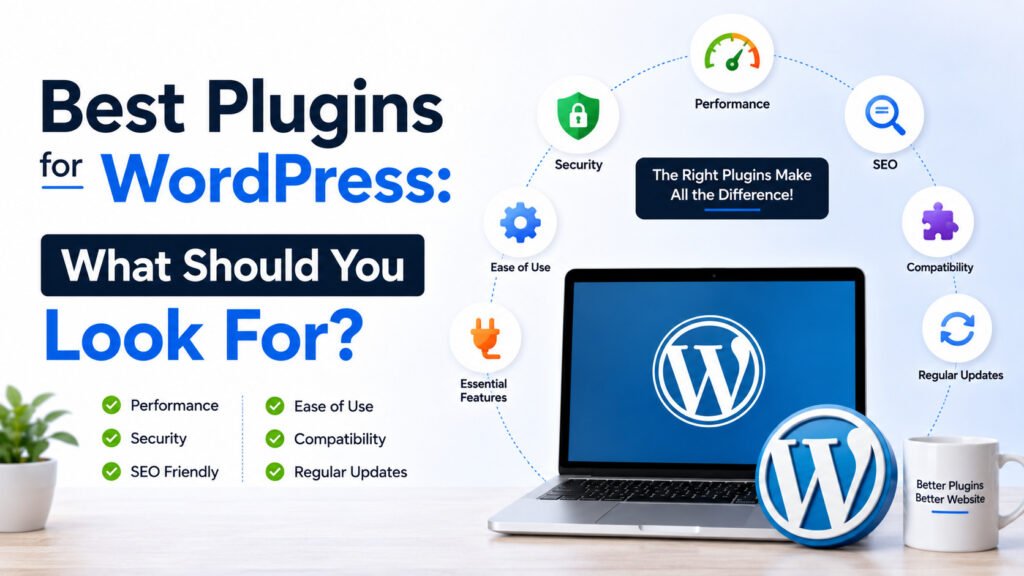
Think about the requirements of your site before downloading any plug-ins. Your blog, business site, eCommerce store, and portfolio may all have different requirements.
The good plug-ins for WordPress must have regular updates, must support your WordPress version, must have positive reviews, and must be supported by their developers. Moreover, you will also have to check if the plug-in is lightweight or not and has the required functionality.
The good plug-in will solve some specific problem instead of providing additional functionality that you do not need. This can help you avoid many common mistakes of WordPress.
Must Have WordPress Plugins for Every Website
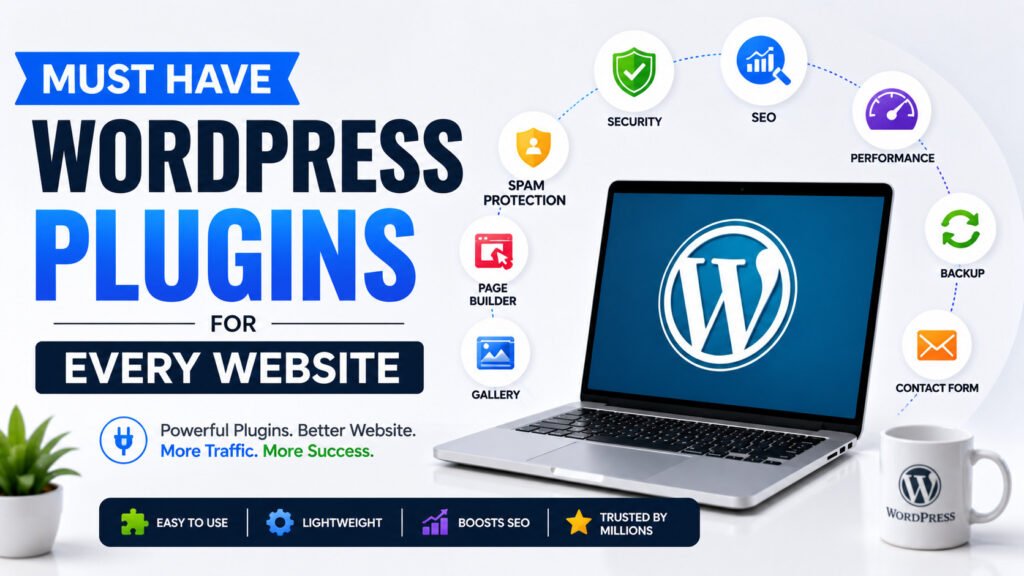
There may be certain plugins which can be necessary for almost any website. These are the SEO plugin, security plugin, backup plugin, caching/performance plugin and contact form plugin.
SEO plugins like Rank Math and Yoast SEO may come in handy in dealing with titles, meta descriptions, XML sitemap, schema and other on-page factors. As far as forms are concerned, WPForms and Contact Form 7 may be considered.
The importance of a backup plugin cannot be underestimated. Backup will allow you to recover from whatever might happen to the site after an update, security problem or other changes made unintentionally.
It is not about downloading everything but about choosing some few essential plugins for your website.
Essential WordPress Plugins for SEO and Search Visibility
SEO is still relevant in 2026, but search has become highly dynamic in recent years. Google relies more and more on AI-based systems when interpreting user requests and delivering their answers.
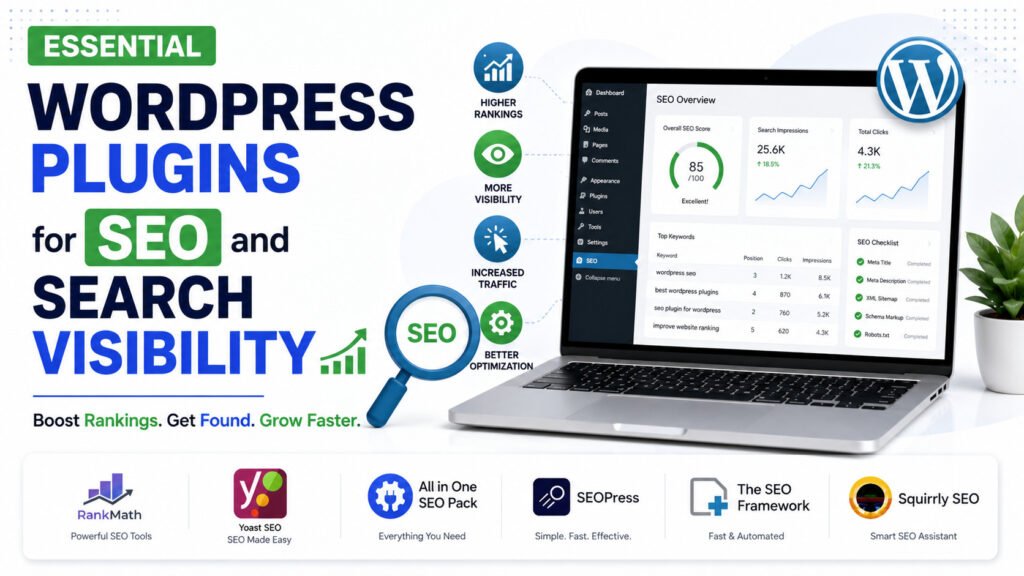
The most effective WordPress SEO plugins will include those that facilitate technical and on-page SEO optimization. Among the useful features are XML sitemap, canonical links, schema markup, breadcrumbs, redirects, and simple content analysis.
There are such popular plugins as Rank Math and Yoast SEO. They will be able to assist a beginner to adjust SEO settings without code editing.
Nevertheless, no plugin can secure a top position for you. You will still have to ensure that you have quality content, internal linking, page experience, trustworthy information, and proper website architecture.
It corresponds with the SEO Guide 2026 principle of prioritizing people while making your website search engine-friendly.
Best Free WordPress Plugins for Beginners
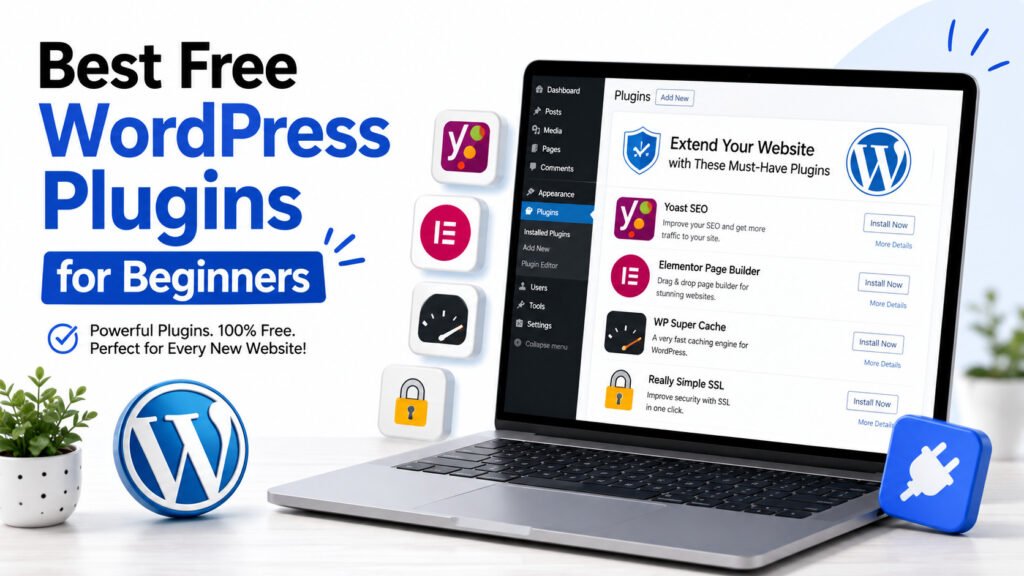
If you have created a website with limited resources, there are many best free WordPress plugins that you might want to consider.
Rank Math SEO and Yoast SEO both offer free variants with decent SEO features. LiteSpeed Cache is good for websites hosted on servers compatible with LiteSpeed technology. UpdraftPlus allows backups, whereas Wordfence is good for security on WordPress websites.
Free does not equal better in all cases. Make sure to review updates, number of installations, reviews, compatibility, and support before you install a plugin.
Keep in mind that a premium plugin may not be needed in all cases. Some websites get great results from a mix of free plugins.
Best WordPress Speed Optimization Plugins for Faster Websites
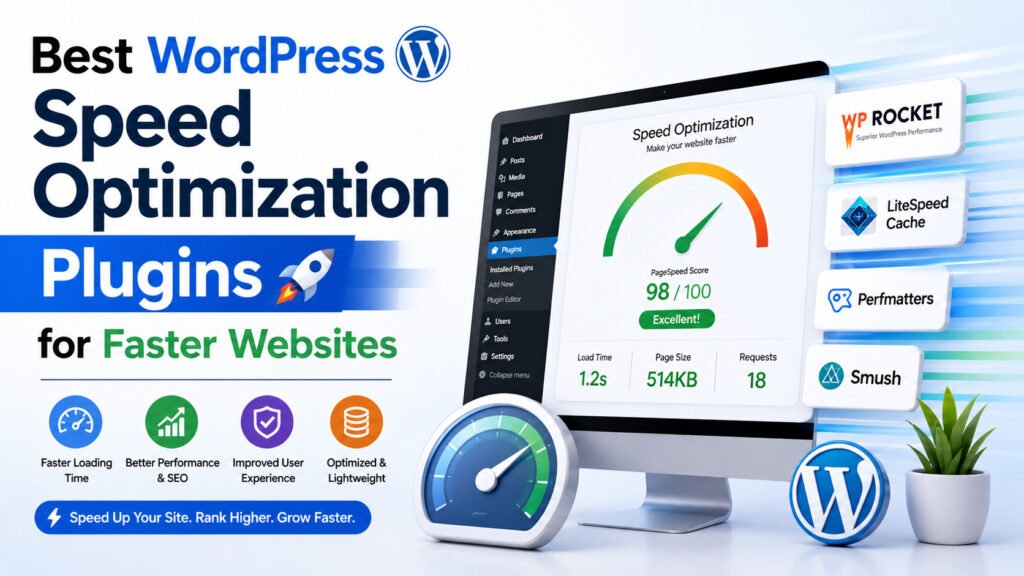
Website speed affects the user experience. Website users tend not to stay on websites that take too long to load.
Some of the best WordPress speed optimization plugins can assist in caching, image optimization, CSS and JS files, lazy loading, cleaning of the database, and other optimizations.
Some of the common plugins include LiteSpeed Cache for compatible hosting. WP Rocket is another widely-used performance plugin. Additionally, there are some image optimization plugins like Smush, which will assist in making images smaller.
It is important not to activate all optimization features in the WordPress speed optimization plugins since doing so might cause conflicts when multiple plugins do the same thing.
A good strategy is to run a test on the website before and after every major optimization to see where improvements are needed.
Best WordPress Security Plugins to Protect Your Website
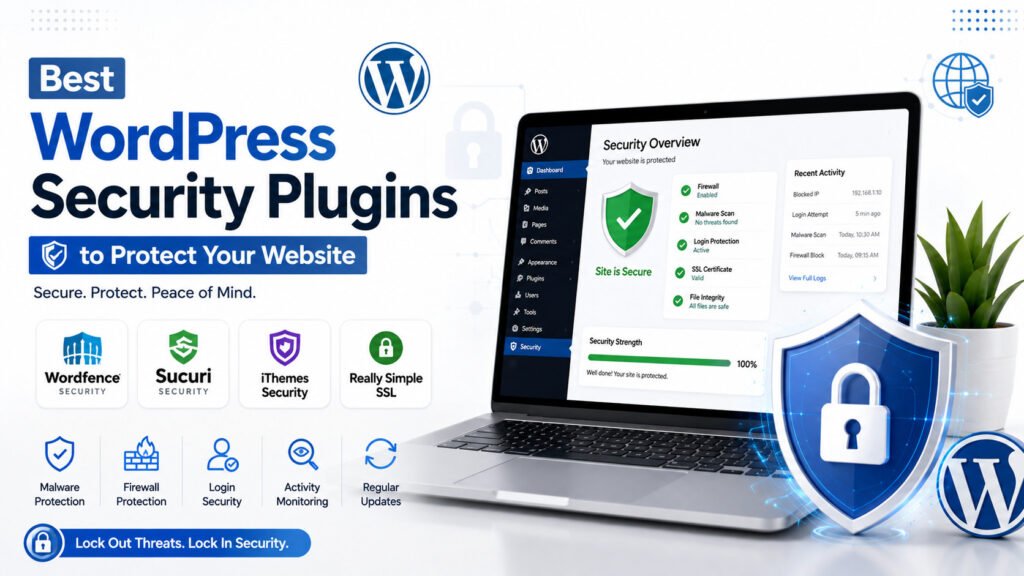
Security must be included in your web strategy right from the start. WordPress websites may also fall victim to various types of automated hacking techniques such as spam, login attacks, malware, and out-of-date software vulnerabilities.
The top WordPress security plugins offer various functions like login protection, firewall, malware detection, two-factor authentication, and suspicious activities monitoring.
Wordfence is one of the popular WordPress security plugins. There are other security plugins as well, which should be considered carefully.
A security plugin is just one component of website protection. Update WordPress, themes, and plugins, use password protection, implement two-factor authentication wherever feasible, and perform regular backups.
Best WordPress Plugins for SEO: Don’t Forget Content Quality
While there are good WordPress plugins that help in doing technical SEO, they do not guarantee high-quality content.
In case you want to Build a Personal Brand, your website should tell who you are, what you provide and why people should trust you. The content on your site must be useful and must not be created just for keywords.
It becomes even more important considering the Future of SEO with Artificial Intelligence. Search engines understand context and intent better today.
Use plugins for your strategy implementation, but not for manipulation.
Best WordPress Plugins: How Many Should You Install?
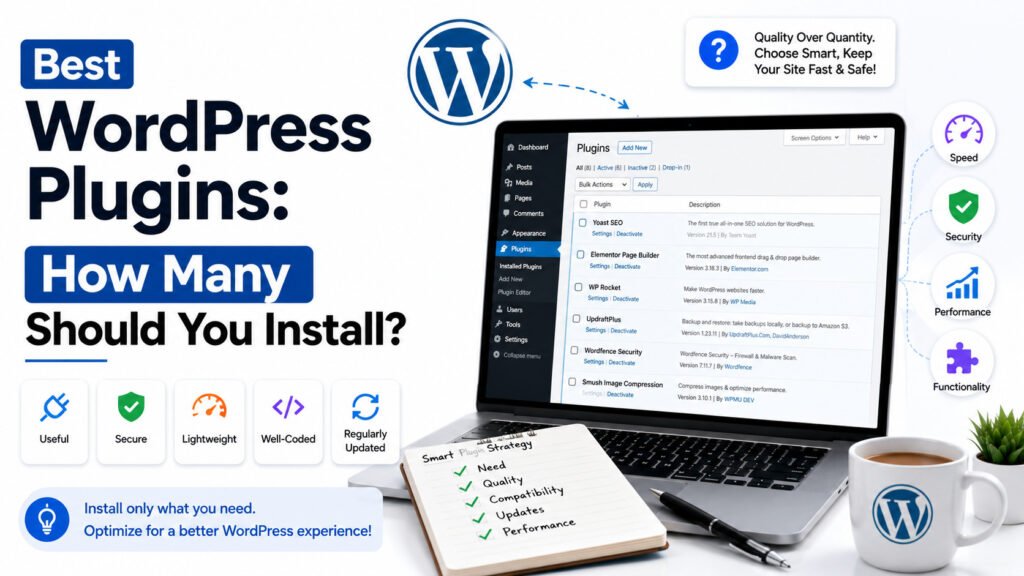
There is no ideal number of plugins for every site. A small blog might run smoothly using 8-12 well-chosen plugins, while another site might require even more plugins.
The key here is quality and not quantity.
When installing any plugin, one should answer the following questions:
Do I really need it on my site?
Can I get this function from another plugin?
Is it frequently updated?
What is its customer support policy?
Will it slow down my site?
Will it be integrated into my WordPress?
Deleting unused plugins is also recommended.
Deactivation of a plugin does not always do the trick. If you do not need this plugin anymore, but are not sure whether your other feature uses it, then deleting it will be the best solution.
Essential WordPress Plugins and SEO Strategies for New Websites
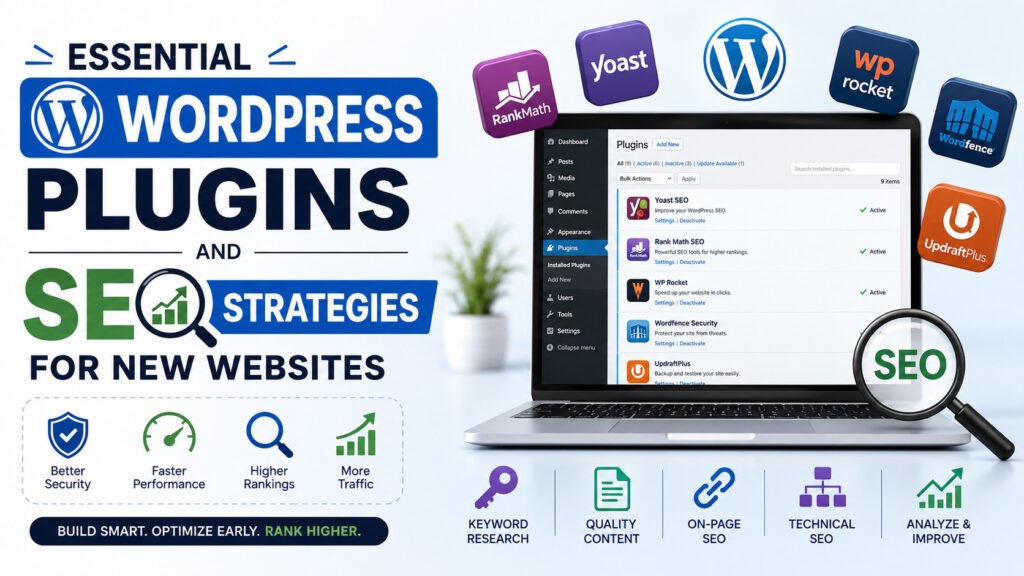
When building a new website, begin by doing the essential things first. Create your SEO, security, backup, performance, analytics, and contact form before including more complex elements.
SEO Strategies for New Websites must include having a well-structured site, using appropriate URLs, creating quality content, internal linking, being mobile-optimized, optimizing your images, and improving page speed.
Some tasks can be performed using different types of plugins, but your entire website strategy is more important than any single plugin.
Imagine that plugins are the gear needed to get the job done. Content, brand, technicalities, and experience are what really drive your website’s success.
Best WordPress Plugins: Final Thoughts
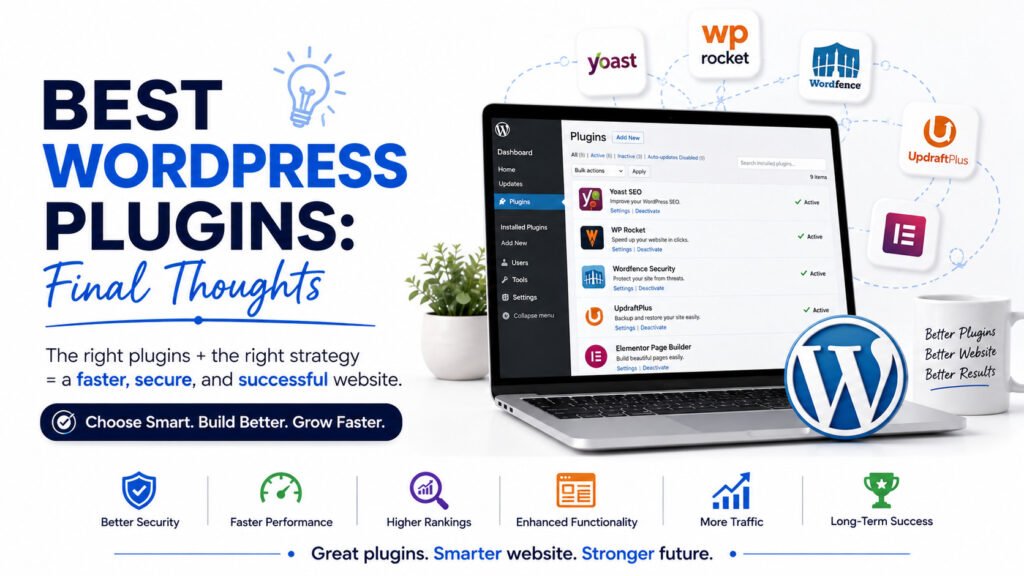
Selecting the right set of plugins can help you simplify management and optimize your website’s SEO, speed, security, and usability. But having many plugins doesn’t always translate to a better website.
Start by considering the needs of your website and select plugins that are well-maintained and reliable. Test your website’s performance post-installation and eliminate any plugin that causes issues or serves no purpose anymore.
The Top WordPress Plugins for your website may vary based on various factors including your objectives, hosting, content, and technical considerations. An efficient set of plugins can help provide a great start to your website while ensuring its performance, security, and future-readiness.
FAQs About Best Plugins for WordPress
What are the Best WordPress Plugins for beginners?
Some beginner-friendly plugins for SEO, security, backup, speed, and contact forms could be tried initially. Some examples include Rank Math, Yoast SEO, Wordfence, UpdraftPlus, and LiteSpeed Cache.
Are the best free WordPress plugins enough for a website?
Yes. Quite a few websites can run effectively with free plugins. Premium plugins can come in handy when advanced functionalities and automation are needed.
Which are the best WordPress SEO plugins?
Two possible options are Rank Math and Yoast SEO. The choice ultimately depends on individual preferences regarding features and interfaces.
Which are the best WordPress security plugins?
Wordfence is quite common for website security; however, security measures could also be taken via password strength, update practices, backups, and two-factor authentication.
Can too many plugins slow down WordPress?
Yes. Low-quality coding and unnecessary plugins may slow down websites. Only the plugins that are required by your website should be used.