

There was a time when fast web sites were considered an advantage. Today, this is not an advantage anymore. This is the necessity. Website users expect your web pages to be loaded in seconds, and Google rewards sites that offer seamless user experience. Your website will lose visitors, rankings and sales, and you will not notice this.
Website owners usually do not realize it, but there are several Common WordPress Mistakes that can slow down their websites. They include from incorrect installation of too many plugins to the lack of proper image optimization.
This Guide offered by The Articlez will help you understand 25 Common WordPress Mistakes that Slow Down Websites and optimize WordPress for better performance, SEO and user experience.
Why WordPress Website Speed Matters
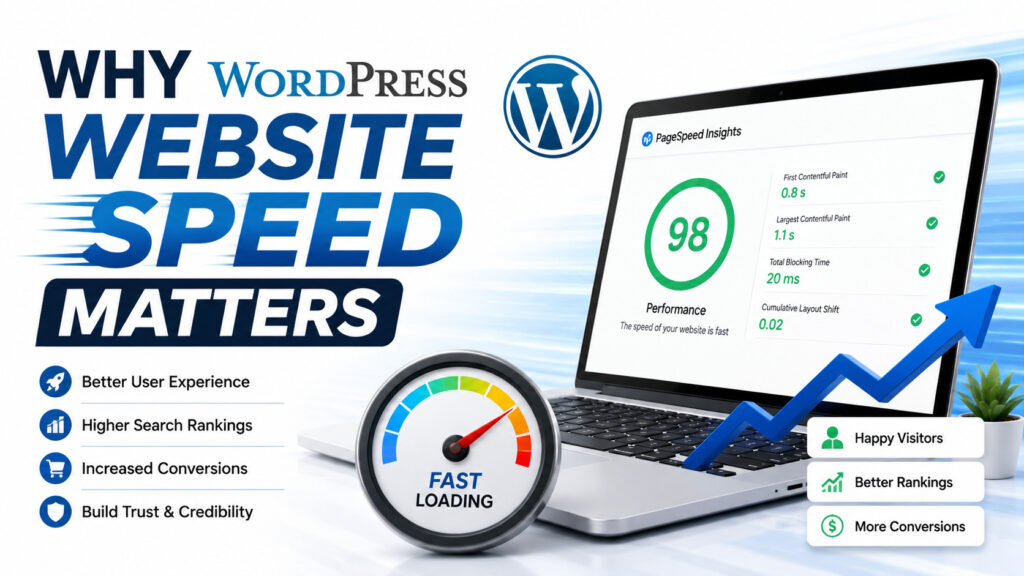
The speed of a WordPress site influences the following directly:
Google rankings
Web Vital Metrics
SEO effectiveness
Website bounce rates
User experience
Conversion rates
It has been officially confirmed by Google that page speed plays a crucial role when it comes to ranking pages. Poor performance may drive users off even before the page is loaded.
It is easy to check how well your site performs through Google PageSpeed Insights, which shows the areas of weakness like CSS, JavaScript, Images and Caching.
25 Common WordPress Mistakes That Hurt Website Speed
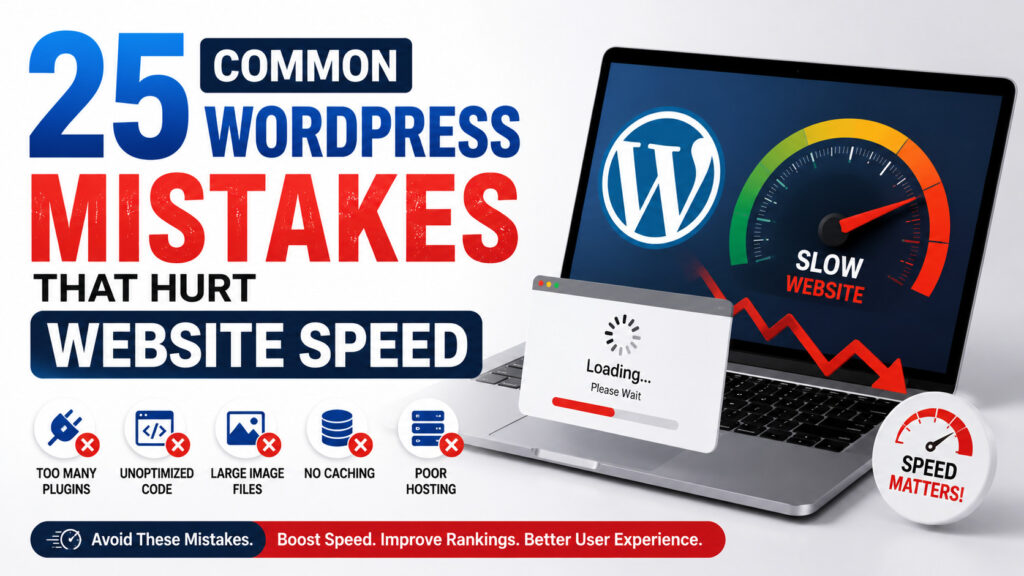
Choosing Cheap Web Hosting
Poor web hosting is one of the main causes of website slowness. Shared hosting having less resources can’t handle the traffic properly.
Fix:- Go for managed WordPress hosting with SSD storage and caching.
Installing Too Many Plugins
One of the most frequent errors made on WordPress sites is the installation of too many plugins.
Each plugin brings additional PHP code, CSS, or JS to slow down your page.
Fix:- Manage your plugins properly and delete those which are not needed anymore.
Ignoring WordPress Updates
Update skips may lead to low performance levels and security threats.
Fix:- WordPress maintenance involves updating:
WordPress core
Themes
Plugins
Large Size Images Uploads
Large size images take much time in website loading.
Fix:- Image optimization involves compressing images before upload.
Not using Lazy Loading
Every image takes a lot of time to load.
Fix:- Use lazy loading.
Not Using Caching
Without any cache, WordPress regenerates pages each time anyone comes to view them.
Fix:- Use caching plugins or caching on the server level.
Overlooking Browser Cache
Browser cache helps visitors get faster loading of your site pages.
Choosing Unnecessary Themes
There may be many useless animations and other unnecessary elements included.
Fix:- Pay more attention to light themes.
Insufficient Database Optimization
As the time goes by, there may be lots of unnecessary things in the database.
Fix:- Optimize database regularly.
Missing a CDN
CDN is delivering files from servers near the users.
That greatly enhances WordPress speed optimization.
Too Many External Scripts
Fonts, ads, social widgets, and third party scripts make more requests.
Minimize external resources as much as possible.
Neglecting CSS Optimization
Large CSS files prevent rendering.
Fix:- Optimize CSS by:
Minimizing CSS
Removing unneeded CSS
Combining where needed
Neglecting JavaScript Optimization
Heavy JavaScript affects page rendering.
Fix:- Optimize JavaScript by applying deferred loading and minification.
Absence of Mobile Optimization
Most site users are mobile users.
Bad mobile optimization results in low rankings and bad user experience.
Using Too Many Fonts
Each additional font slows down loading time.
Use less font families and font weights.
Adding Too Many Videos
Embedded videos affect the speed of pages.
Instead, add video thumbnails.
Not Compressing Files
Enable GZIP or Brotli for more speedy pages.
Ignoring Core Web Vitals
Google tracks:
Largest Contentful Paint
First Input Delay
Cumulative Layout Shift
Enhancing Core Web Vitals is beneficial for SEO.
Ineffective Plugin Management
Unused plugins pose security threats.
Remove plugins that are not needed anymore.
Failing to Clear Spam Comments
Hundreds of spam comments increase the size of your database.
Website maintenance is critical to keep your site healthy.
Using Untuned Homepage Design
Having too many sliders, animations, and widgets can slow down the homepage.
Stick to clean and minimalist design.
Not Doing Website Performance Tests
Most of the website owners don’t track their sites’ performance.
Test your site regularly using Google PageSpeed Insights to find new problems.
Ignoring Dead Link Issues
Broken links take up crawl budgets and negatively impact SEO.
Perform regular website audits.
Poor Theme Customization
Using excessive page builders and visual effects decrease your website’s performance.
Consider effective customization techniques.
Failing to Optimize WordPress
Most of the users start working on their websites and do not optimize them anymore.
WordPress optimization is crucial as plugins, themes, and content keep growing over time.
Best WordPress Performance Optimization Tips
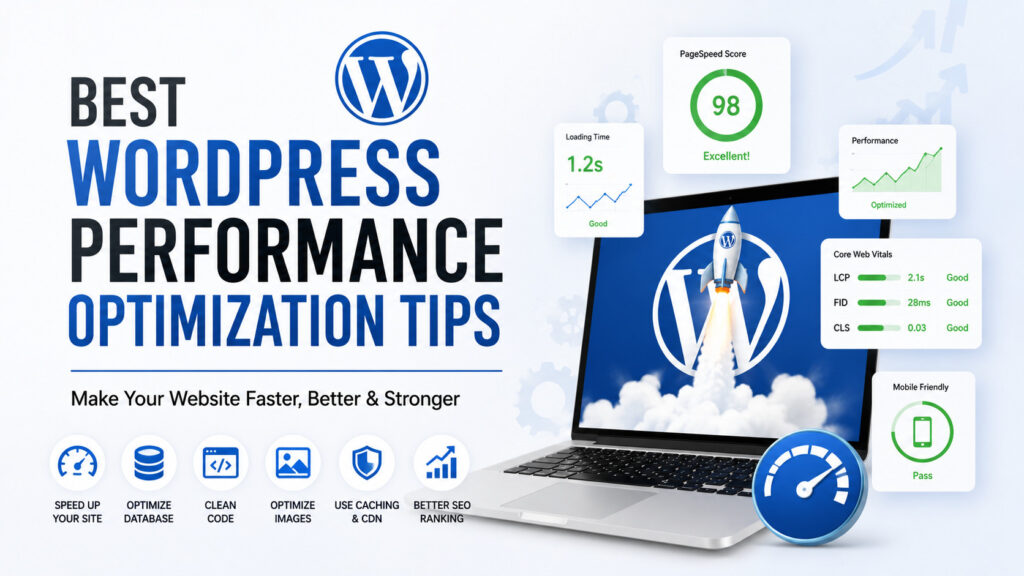
Improve WordPress Speed with These Best Practices
If you want to improve WordPress speed, follow these proven strategies:
Optimize Images
Compress every image before uploading.
Enable Caching
Caching significantly reduces server load.
Use a CDN
A CDN improves loading speed worldwide.
Optimize CSS and JavaScript
Minify unused files and defer scripts.
Choose Better Hosting
Reliable hosting improves every aspect of performance.
Optimize Database
Schedule automatic cleanup.
Perform Regular WordPress Maintenance
Update themes, plugins, and WordPress regularly.
These WordPress best practices improve both speed and SEO performance.
Website Optimization Tips for Better SEO
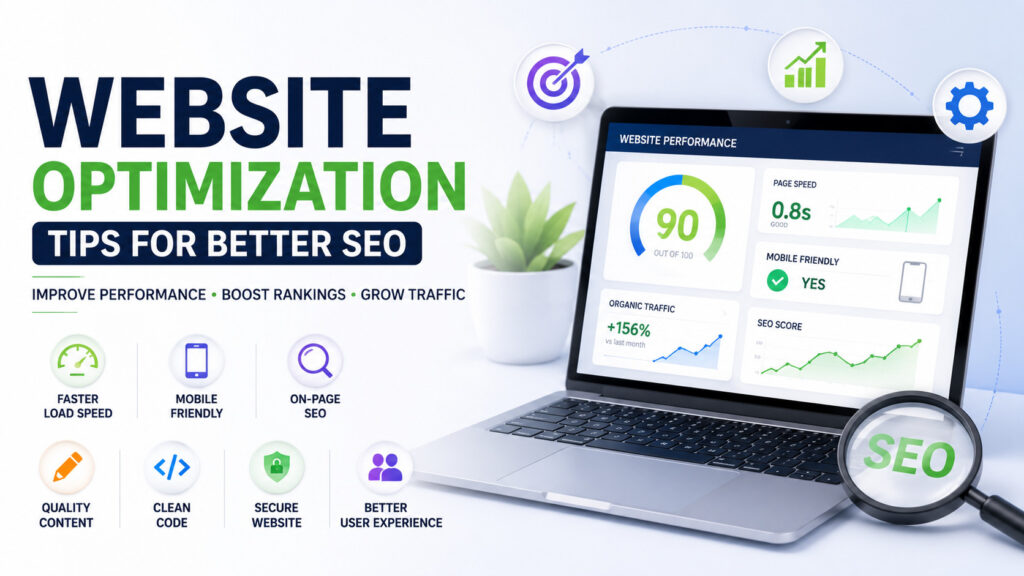
Good web optimization advice not only makes the site quicker but will increase its ranking as well.
A quicker website means:
Improved user experience
Greater conversions
Enhanced SEO results
Improved Core Web Vitals
Lesser bounce rate
Faster loading pages
As Google is becoming more fond of useful sites that load quickly, especially with the advancement of AI-based search, think about looking into other related topics such as Google AI Updates, Google AI Update Overview – How Is It Changing SEO, Future of SEO with Artificial Intelligence, AI Trends to Look Out For 2026, The Effect of AI on Jobs in 2026, Artificial Intelligence in Everyday Life, Future of AI in Everyday Life, Top AI Writing Tools for Bloggers and Content Writers, and Top Free AI Tools for Students 2026.
WordPress Best Practices for Long-Term Success
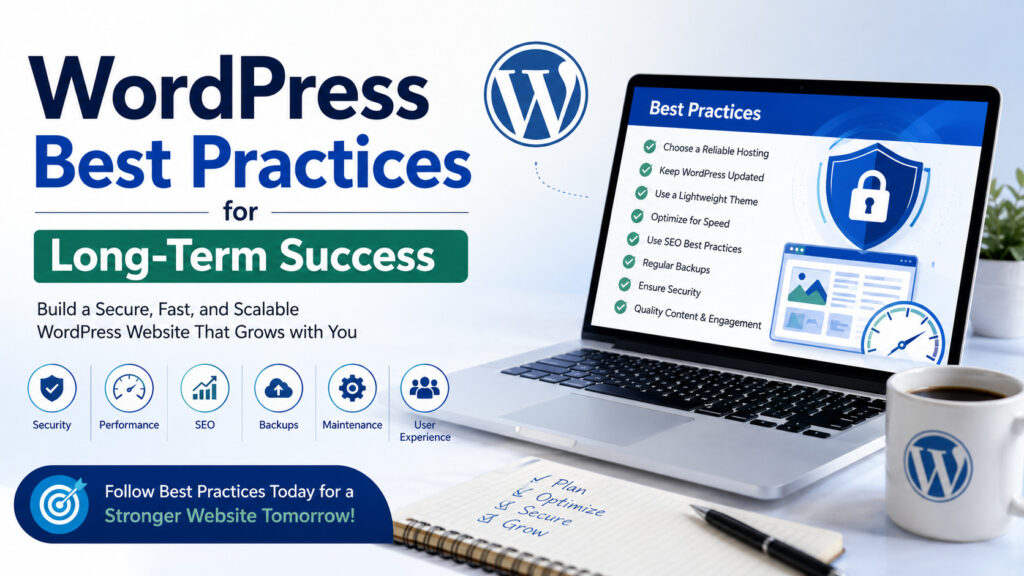
The adherence to WordPress best practices will ensure that your website will be fast despite its growth.
Don’t forget to:
Delete unnecessary plugins
Keep WordPress up-to-date
Compress your images
Utilize browser caching
Check your page load speed
Optimize your database
Select reliable hosting services
Analyze Google PageSpeed Insights reports every month
Little changes done regularly will make you reach great results.
FAQs About Common Mistakes in WordPress
What are the most common WordPress mistakes?
The typical problems faced include poor web hosting, excess use of plugins, non-optimization of images, not using cache, old themes, database optimization, and lack of regular WordPress maintenance.
How can I improve WordPress speed quickly?
This will begin with the use of cache, compression of images, CDNs, deleting unnecessary plugins, optimization of CSS and JS, as well as changing the hosting if need be.
Does Google PageSpeed Insights help improve SEO?
Yes. The Google PageSpeed Insights tool determines problems that may affect page speed, Core Web Vitals, mobile optimization, and user experience, which impact SEO performance.
Why is website maintenance important?
Website maintenance ensures plugin updates, removal of unnecessary files, improvement of security, and keeping the website loading speed fast.
What is the best way to optimize a WordPress website?
The ideal strategy involves having good hosting, image optimization, cache, database optimization, browser cache, mobile optimization, and continuous WordPress optimization.
Conclusion
In fact, a slow website can silently impact on your site rankings, traffic, and conversion rate. However, the majority of these problems are avoidable. Provided that you do not fall into typical mistakes and apply good optimization techniques for sites, you can create a fast website, which will provide a good user experience.
It is important to remember that speed optimization is an ongoing process. The regular monitoring using Google PageSpeed Insights, updating of the website, image optimization, proper use of plugins, and modern best practices for WordPress optimization will ensure that your website stays competitive as search engines continue to change.